
Newsletter Subscription
Enter your information below and subscribe to our newsletter

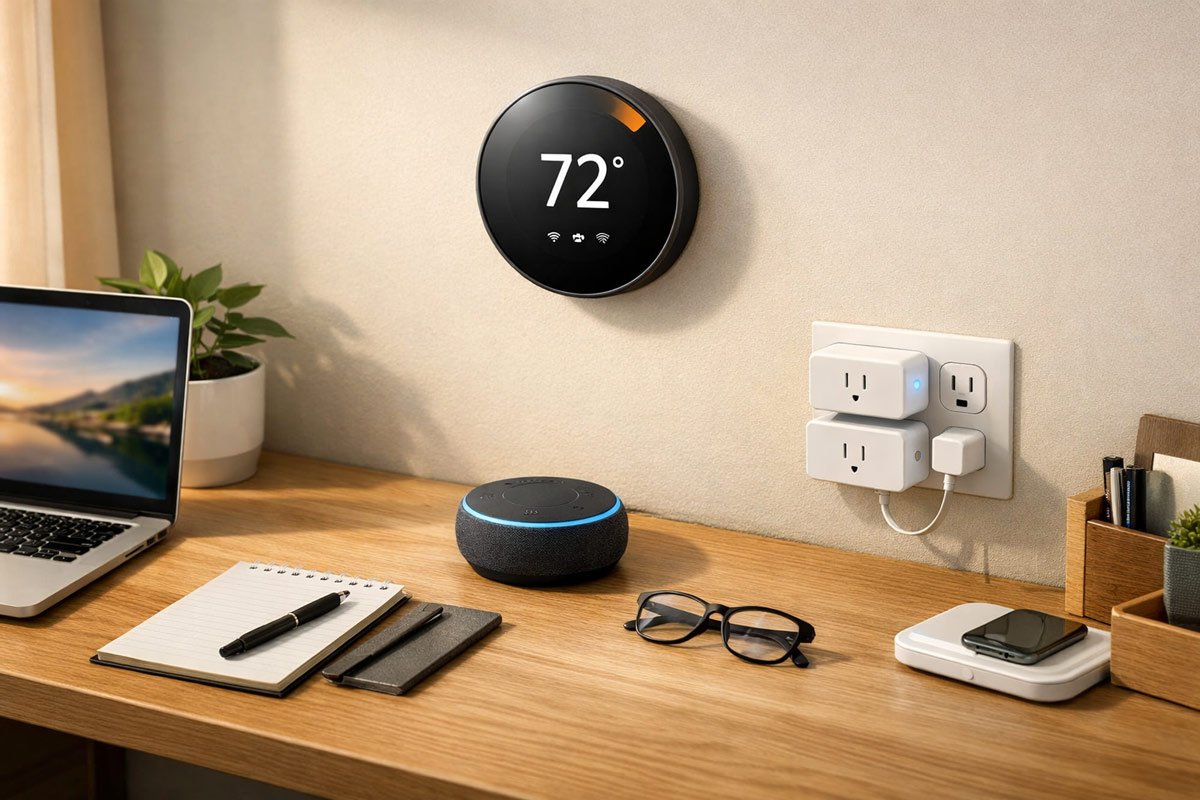
The best smart home devices are not the ones with the most features or the slickest marketing. They’re the ones you use every single day without thinking about it — the ones that solve a real problem and then get out of your way.
Gregory has watched the smart home revolution unfold with the wariness of a donkey watching a magician. Lots of flash, lots of promises, and a suspicious amount of misdirection. For every genuinely useful smart device out there, there are three that will spend their entire lives collecting dust in a closet — or worse, actively making your life harder.
The problem isn’t technology. The problem is that most smart home devices are solutions in search of a problem. A Wi-Fi-enabled trash can. A fridge with a tablet glued to the door. A mirror that tells you the weather while you brush your teeth. These aren’t innovations. They’re gimmicks dressed up in the language of convenience.
This article separates the wheat from the chaff. We’ve dug into current product reviews, user regret forums, and real-world testing data to identify the smart home devices that actually improve daily life, versus those that sound amazing in a product video and then quietly disappoint you for the next three years.
If you’re about to drop $300 on something that promises to change your morning routine, this is required reading.
The smart home industry has a marketing problem disguised as a technology problem. Companies keep building devices that answer questions no one is asking.
Do you need a $200 smart mirror to tell you it’s raining? No. Your window does that for free. Do you need a fridge that shows you what’s inside remotely? Also, no — you either know what’s in your fridge or you’re about to find out when you open it.
The devices that actually work are the ones solving genuine friction points:
Notice the pattern? These devices don’t require you to change your behavior. They adapt to what you’re already doing and make it slightly easier or cheaper. That’s the difference between a tool and a toy.
This website contains affiliate links. As an Amazon Associate, I earn from qualifying purchases. The content on this website was created with the help of AI.
These are the Gregory-approved winners — the best smart home devices that earn their place in your home by doing their job reliably, without fuss, and without requiring a PhD in app troubleshooting.
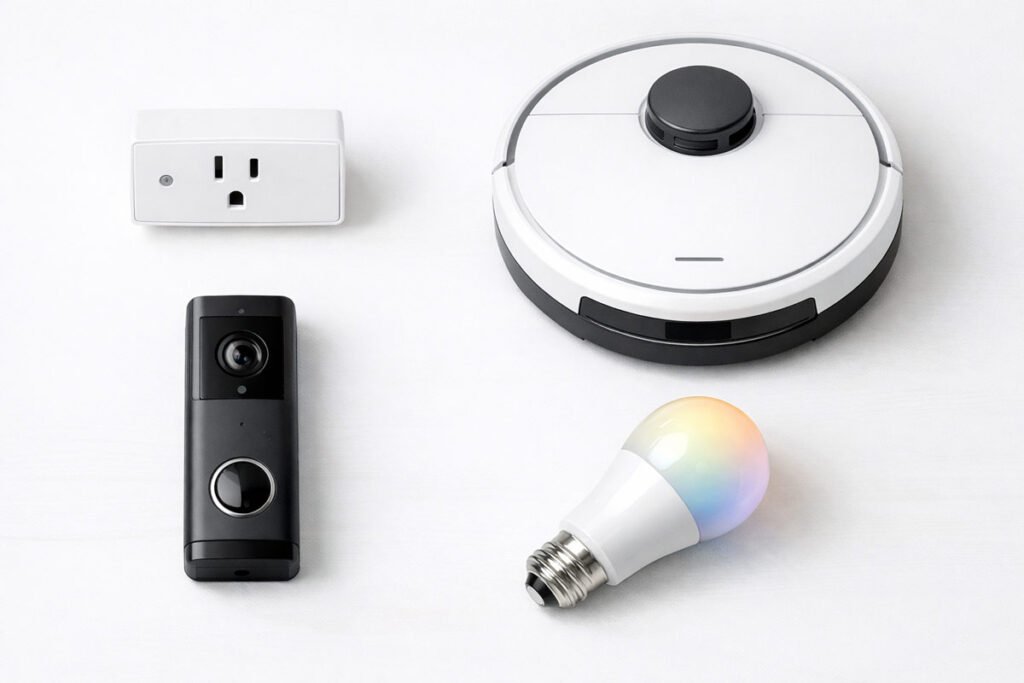
A smart thermostat is the closest thing to a smart home no-brainer. It learns your schedule, automatically adjusts heating and cooling, and can save you around $150 per year on energy bills, according to Department of Energy estimates.
The Nest Learning Thermostat and Ecobee SmartThermostat are the gold standards. They’re both compatible with most HVAC systems, work with all major voice assistants, and have clean, intuitive apps. Ecobee includes a remote sensor in the box, which is useful for multi-room temperature balancing.
Gregory’s Take: This is the rare device that pays for itself. If your current thermostat is a manual dial from 2003, upgrading to a smart one is worth it.
→ Find smart thermostats on Amazon
A good robot vacuum removes a tedious chore from your life — and unlike most smart devices, it does it without requiring any input from you after the initial setup.
The catch is that budget robot vacuums are often worse than useless. They get stuck under furniture, miss entire rooms, and require daily rescue missions. Spending a bit more on a reliable model like the Roborock S8 or Roomba Combo j9+ is worth it. These models map your home, avoid obstacles, and actually clean effectively.
Gregory’s Take: Skip the $150 models. They’re dust collectors in a different sense. If you’re going to do this, do it right.
→ Find robot vacuums on Amazon
Smart plugs are the gateway drug to smart home automation — and for good reason. They turn any dumb device (lamps, fans, coffee makers) into a smart device you can control with your voice or phone.
Kasa and TP-Link make reliable, affordable smart plugs that don’t require a hub and work with Alexa, Google, and Apple HomeKit. They’re plug-and-play and cost around $10 each, making them low-risk experiments.
Use cases that actually work: turning on a lamp when you get home, scheduling a fan to turn off at night, creating a “vacation mode” that randomly turns lights on and off to make it look like someone’s home.
Gregory’s Take: This is where the smart home starts to feel useful rather than gimmicky. Buy three and see what you end up automating.
A video doorbell is legitimately useful if you get a lot of packages, have unpredictable visitors, or just want to know who’s at the door without getting up. The Ring Video Doorbell (2nd gen) and Eufy Video Doorbell are both solid picks.
Ring requires a subscription for video history ($4/month), but the hardware is reliable and widely supported. Eufy stores video locally with no monthly fees, which makes it a better long-term value — but you’ll need their HomeBase hub for full functionality.
Gregory’s Take: If you’re not willing to pay a subscription, go with Eufy. If you want deep integration with Alexa, Ring is the safer bet.
→ Find video doorbells on Amazon
Smart bulbs get a bad rap because cheap Wi-Fi bulbs are notoriously unreliable — they disconnect constantly and require app troubleshooting. Philips Hue solves this by using a hub and the Zigbee protocol, which is far more stable than Wi-Fi.
The upfront cost is higher (you need the hub plus bulbs), but the system works consistently across ecosystems (Alexa, Google, Apple HomeKit). Dimming lights, setting schedules, and creating scenes all work reliably.
Gregory’s Take: If you want smart lighting that doesn’t make you want to throw your phone out a window, Hue is the only real answer.
A smart speaker is the command center for everything else. Voice control is useful for simple, frequent tasks — turning off lights, setting timers, playing music, and checking the weather. It’s not a replacement for apps or physical controls, but it’s a solid supplement.
The Amazon Echo (4th gen) and Google Nest Audio are both reliable options. Echo integrates better with Ring and other Amazon devices; Google Nest works better if you’re deep in the Google ecosystem.
Gregory’s Take: Don’t overthink this one. Pick whichever ecosystem you’re already using and move on.
→ Find smart speakers on Amazon
Water damage is expensive. A $5 sensor under your sink or near your water heater can save you thousands in repair costs by alerting you the moment water is detected. Govee water sensors are cheap, reliable, and don’t require a hub.
Place them under sinks, by water heaters, near washing machines, and anywhere else water could cause a problem. The peace of mind is worth the $20 investment for a 4-pack.
Gregory’s Take: This is unsexy, unglamorous, and absolutely worth buying. Do it.
→ Find water leak sensors on Amazon
These are the devices that sound amazing in a marketing pitch and then quietly ruin your day for the next six months.
Smart fridges are the poster child for unnecessary tech. You’re paying $3,000+ for a refrigerator with a $150 tablet glued to the door. The interfaces are slow, the cameras rarely sync properly, and the software becomes outdated within two years — but the fridge itself will last a decade.
The smarter move? Buy a high-quality, standard refrigerator and stick a $15 magnetic iPad mount on the door if you really need a screen in your kitchen.
Gregory’s Take: This is a $3,000 decision you will regret. Buy a good fridge and leave the tablets in the living room.
Some video doorbells and cameras are designed to charge you monthly fees forever. The hardware works, but basic features like person detection, video history, or cloud storage are locked behind a $5–$10/month paywall.
Over five years, those subscriptions often cost more than the hardware itself. If you stop paying, the device becomes a glorified standard doorbell with no smart features.
The solution: buy devices with local storage options (like Eufy or Wyze) that don’t require subscriptions for basic functionality.
Gregory’s Take: Read the fine print. If a device requires a subscription for core features, it’s rental hardware, not a purchase.
Smart microwaves promise custom cooking presets and voice control. In reality, 99% of microwave use is “press 2 minutes and walk away.” The smart features add cost and complexity without solving a real problem.
You don’t need your microwave to be smart. You need it to heat food quickly and reliably. A $50 standard microwave does this perfectly.
Gregory’s Take: If you’re using voice commands to heat up leftovers, something has gone very wrong in your life.
Smart locks are useful — until your Wi-Fi goes down and you’re locked out of your own house. Cloud-only locks that don’t include a physical key backup are a liability, not a convenience.
Locks like the August Smart Lock and Schlage Encode Plus are smart choices because they retrofit over your existing deadbolt or include physical key access as a failsafe. Cloud-only locks without backup? Hard pass.
Gregory’s Take: Never put yourself in a position where a bad internet connection locks you out of your own home.
Cheap robot vacuums are a special kind of frustrating. They get stuck under furniture, miss entire rooms, run out of battery mid-clean, and require daily rescue missions. One Reddit user summed it up perfectly: “I bought it and the thing just gets stuck. Now it just sits there collecting dust because I hate playing search and rescue every morning.”
If you can’t afford a reliable model (Roborock, Roomba), stick with a regular vacuum. A $150 robot vacuum is worse than no robot vacuum.
Gregory’s Take: This is one category where cheaping out guarantees disappointment. Save up or skip it entirely.
Generic smart devices from unknown brands often work fine… for six months. Then the app stops updating, the device firmware is never patched, and you’re left with a brick that no longer connects to your network.
Stick with known brands (Kasa, TP-Link, Wyze, Eufy) that have a track record of long-term support. The $5 you save on a no-name plug isn’t worth the headache.
Gregory’s Take: There’s a reason those plugs are $3. You get what you pay for, and what you pay for is garbage.
Here’s the at-a-glance version:
| Device Category | The Dust Collectors | The Actually Useful Ones |
|---|---|---|
| Smart Thermostat | ❌ Electric blanket with Wi-Fi | ✅ Ecobee / Nest — saves $150/year on energy |
| Robot Vacuum | ❌ Budget models that get stuck daily | ✅ Roborock / Roomba Combo — actually cleans floors |
| Smart Plugs | ❌ No-name brands that brick after 6 months | ✅ Kasa / TP-Link — turn lamps into smart devices for $10 |
| Video Doorbell | ❌ Subscription-locked models with mandatory fees | ✅ Eufy / Ring (battery) — see who’s at the door |
| Smart Lights | ❌ Wi-Fi bulbs that disconnect constantly | ✅ Philips Hue (hub-based) — reliable and ecosystem-wide |
| Smart Lock | ❌ Cloud-only locks that fail when Wi-Fi is down | ✅ August / Schlage Encode — physical key backup included |
| Smart Speaker | ❌ Cheap knock-offs with terrible voice recognition | ✅ Echo / Google Nest — actually hears you across the room |
| Security Camera | ❌ Indoor cameras with no privacy shutoff switch | ✅ Wyze Cam / Eufy (local storage) — no monthly fees |
| Smart Fridge | ❌ $3,000 fridge with a $150 tablet glued to the door | ✅ Regular fridge + $15 magnetic iPad mount |
| Smart Water Sensors | ❌ False-alarm prone sensors near humid areas | ✅ Govee water sensors under sinks — $5 each, instant alerts |
When evaluating any smart device, ask these questions:
The best smart home devices are the ones you forget you have because they just work. That’s the standard.
Not all smart devices are created equal, and what works for one household might be useless in another. Here’s how to make smart buying decisions:
Step 1: Identify a specific problem you want to solve
Don’t buy smart devices just because they’re “cool.” Ask yourself: what daily task is genuinely annoying or time-consuming? A thermostat solves energy waste. A robot vacuum solves floor cleaning. A video doorbell solves package theft. Start with the friction point, not the gadget.
Step 2: Check for Matter compatibility (future-proofing)
Matter is the new universal smart home standard that lets devices work across Apple, Google, Amazon, and Samsung ecosystems without weird workarounds. Devices labeled “Matter-certified” will be more reliable and longer-lasting than proprietary alternatives.
Step 3: Read real user reviews, not just marketing claims
Check Amazon reviews, Reddit threads (r/smarthome), and independent testing sites like Consumer Reports. Look for patterns in complaints — if 30% of reviewers mention “constant disconnects” or “terrible app,” believe them.
Step 4: Verify subscription requirements before buying
Many devices hide core features behind monthly paywalls. Read the fine print: does video history require a subscription? Does person detection? What happens if you stop paying? Devices with local storage (like Eufy) are better long-term values than cloud-only models.
Step 5: Choose devices with physical failsafes
Smart locks should have physical key backups. Smart thermostats should have manual controls. If your Wi-Fi goes down or the company shuts down their servers, the device should still function at a basic level. Never put yourself in a position where a bad internet connection locks you out of your own home.
Step 6: Start small and expand only what works
Buy one smart plug, one smart bulb, or one camera. Use it for a month. If you’re still using it daily and it hasn’t caused frustration, expand from there. If it’s already collecting dust after two weeks, return it and skip that category entirely.
The best smart home devices are the ones that quietly solve real problems without requiring ongoing attention, subscriptions, or troubleshooting. A thermostat that saves you $150/year. A robot vacuum that cleans your floors while you’re at work. Smart plugs that turn lamps into voice-controlled devices for $10.
Everything else — the fridges with tablets, the microwaves with Alexa, the cloud-only locks — is theater. It sounds impressive until you own it.
Gregory’s Final Verdict: Start with the boring stuff that solves daily friction. If it works for six months and you’re still using it, expand from there. If it ends up in a closet within two weeks, return it and learn the lesson.
For additional smart home device reviews, reliability testing, and buying guides, check out:
Consumer Reports — Smart Home Testing & Reviews
Consumer Reports conducts independent, hands-on testing of smart home devices across categories, including security cameras, thermostats, robot vacuums, and smart speakers. No affiliate links, no sponsored content — just lab-tested performance data.